
Payments, accounting, expenses and loans
Money leaves only when the right people have looked at it, and is marked paid only when the bank says so. HR4ON connects payroll, claims and loans to payment batches, reconciliation and journals.
- Salary disbursement, reconciliation and accounting
- Expenses, travel and reimbursements
- Employee loans, advances and recoveries
What it solves
The everyday problems this part of HR4ON takes away.
- Bank files built by hand from payroll exports.
- Payments marked paid before the bank has confirmed them.
- Expense claims paid twice, through payroll and directly.
- Loan deductions that do not match what was actually recovered.
Key capabilities
Payment batches
Group ready liabilities into one bank file. Approve and release are separate steps, nobody approves a batch they prepared, and the release checks totals, counts, account formats and limits.
Versioned bank file formats
File formats are set per company and bank, versioned, and changed only with a reason. Download the file for upload to your bank’s portal.
Paid means paid
A generated file is not proof of payment. Lines settle only on bank evidence, unknown outcomes are enquired before any retry, and a batch cannot be sent twice.
Reconciliation
Upload bank acknowledgements, status reports and statements. Exact references match automatically; other matches are suggested with their evidence. Duplicates never settle twice.
Accounting journals
Journals for payroll accrual, settlement, reimbursements, loans, statutory payments, returns and bank fees, with effective-dated GL mappings and period close.
Expense claims
Lines with receipts, original currency and policy flags for limits, missing receipts and possible duplicates. Each claim is paid one way only: next payroll or direct payment.
Travel and advances
Travel is approved before booking, with an optional cash advance. Advances are applied to claims and the balance is recovered through payroll or repaid.
Employee loans
Loan types with limits and interest, eligibility checks, schedules and an immutable ledger. Recovery is reconciled against finalised payroll.
See it in HR4ON
Real screens from the HR4ON demo company. Select a screen to enlarge it.
How it works
Liabilities arrive
Finalised payroll, finance-paid claims and loan disbursements create payment liabilities.
Batch and approve
Ready liabilities go into a batch. A checker approves it; held lines are never batched.
Release to the bank
The releaser validates and downloads the bank file for upload.
Reconcile
Upload the bank’s files. Matched lines settle liabilities; failures and returns are retried in a new approved batch.
Post journals
Validate and post journals, export them to your accounting system, and close the period.
Who uses it
- FinanceApprove and release batches, reconcile the bank, post journals, settle claims and disburse loans.
- PayrollSend loan recoveries, expense reimbursements and settlements through payroll.
- ManagersApprove expense claims, travel requests, advances and loan applications for their team.
- EmployeesClaim expenses with receipt photos, request travel and apply for loans from their phone.
Questions
Does HR4ON send money to the bank directly?
HR4ON prepares a validated bank file for you to upload to your bank’s portal, then reconciles the bank’s responses. Lines are marked paid only on bank evidence.
Can an expense be reimbursed twice?
No. Each claim is paid one way only, through the next payroll or by direct payment, and payroll pays each source record once.
Can we pay claims in other currencies?
Claim lines keep their original amount and currency, and are converted once at the approved exchange rate.
How are loan recoveries checked?
An instalment counts as recovered only on finalised payroll or payment evidence. Shortfalls are aged and carried forward.
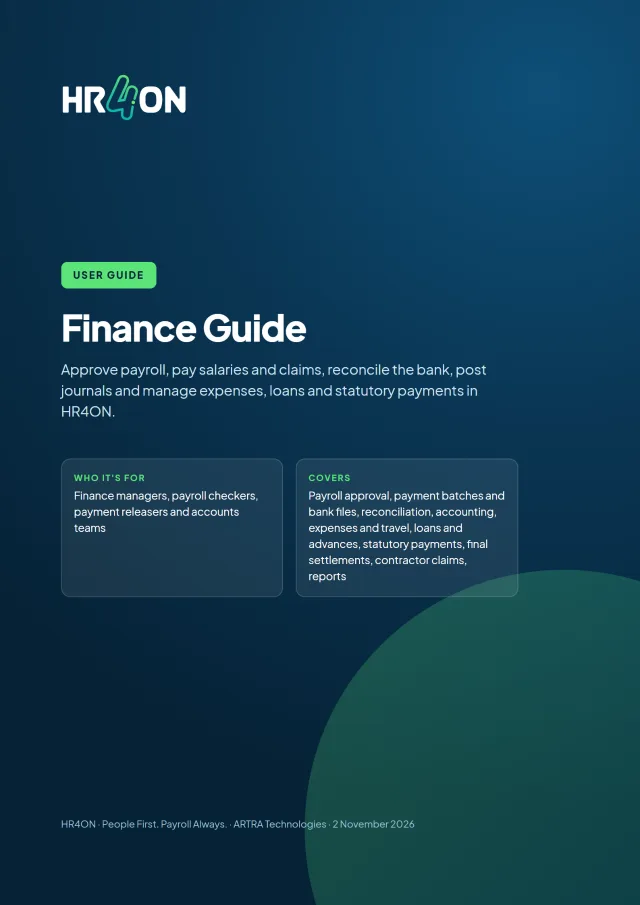
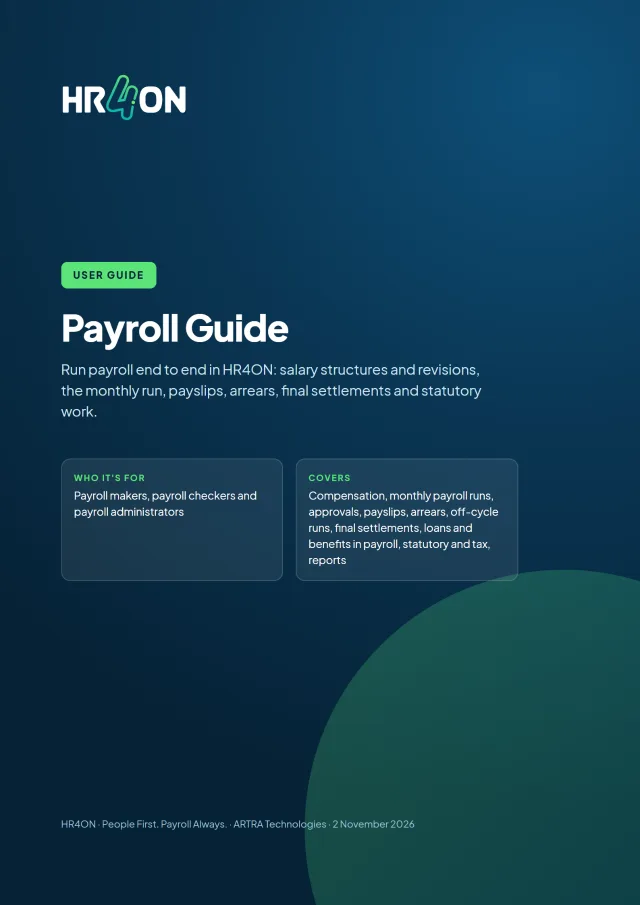
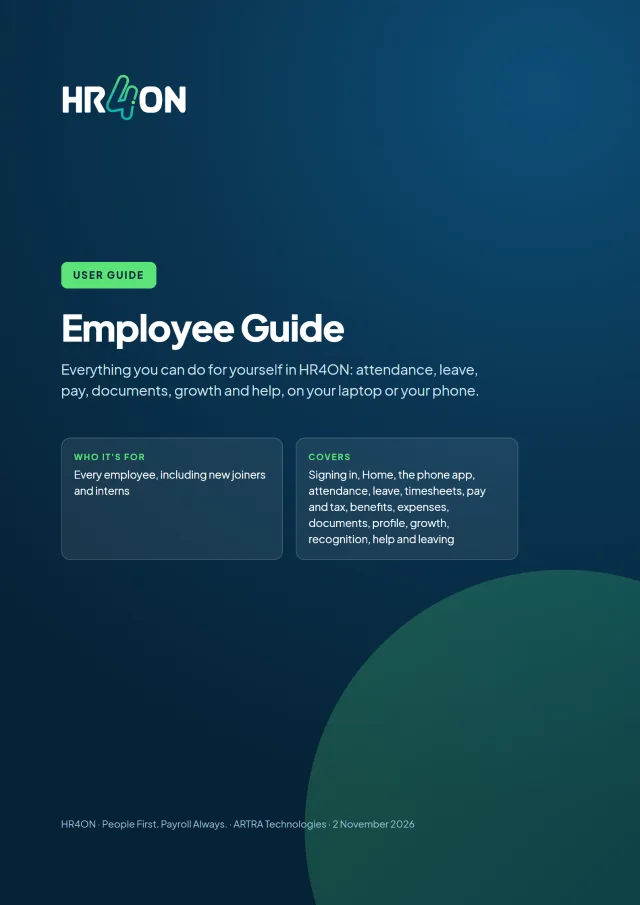
Read the guides
Step-by-step user guides with screenshots, free to download.
See HR4ON with your own processes in mind
Tell us how many people you employ and what matters most. We will walk you through HR4ON on a laptop and a phone.