
Hiring and onboarding
Run hiring from the first requisition to an accepted offer, then hand over to onboarding without typing anything twice. New joiners get their own checklist on their phone before day one.
- Recruitment and applicant tracking
- Preboarding, onboarding and verification
What it solves
The everyday problems this part of HR4ON takes away.
- Hiring requests raised without budget or approval.
- Candidates stuck in a stage with nobody noticing.
- Interview feedback that is late, vague or influenced by others.
- Joiners arriving to no laptop, no account and missing documents.
Key capabilities
Approved requisitions
Role, headcount, hiring reason, budget and salary range. A requisition cannot be published until it is approved, and changing openings or budget asks for approval again.
Pipeline board
Applied, Screening, Interview, Final review, Offer and Hired, with days in stage shown on every card and the source of each candidate.
Referrals and internal jobs
Employees refer friends (with the friend’s agreement) and track progress in My referrals. Internal vacancies appear in Internal opportunities.
Structured scorecards
Interviewers rate set criteria from 1 to 5, give a recommendation and a summary of evidence, usually without seeing other scores first. They can do it from a phone.
Offers with approval
Offer terms are checked against the requisition band, approved, issued as a letter, and accepted or declined with evidence. Revisions create a new version.
Onboarding checklists
Tasks before joining, on day 1, in the first week and in the first month, for the joiner, HR, IT, facilities, assets, the manager and a buddy.
Verification
Background and identity checks recorded with consent reference, method, outcome and evidence. Nobody can verify a document they uploaded themselves.
Provisioning
Requests for laptops, phones, ID cards and accounts go to the asset and access teams automatically, without duplicates.
My onboarding for joiners
Joiners can sign in before day one to see their next task, their HR contact, manager and buddy, and complete forms, documents and policy acknowledgements.
See it in HR4ON
Real screens from the HR4ON demo company. Select a screen to enlarge it.
How it works
Raise a requisition
A manager or HR raises it against a position, with budget and requirements. It is approved before publishing.
Publish and screen
Publish to internal jobs, the careers site or job boards, then move candidates through the stages.
Interview and decide
Schedule rounds with a panel. Scorecards and recommendations are collected for the final review.
Offer and accept
Create the offer, get it approved, issue the letter and record the answer.
Prepare the joiner
Create the preboarding record and onboarding case. Readiness shows blockers until documents, checks and equipment are done.
Confirm joining
Confirm the actual joining date to activate the employee and start induction.
Who uses it
- HR teamsRun requisitions, the pipeline, offers, onboarding cases and verification.
- ManagersRaise hiring requests, interview, give feedback and complete their onboarding tasks.
- EmployeesRefer friends, apply for internal roles and, as new joiners, complete their own checklist.
- Asset teamsReceive provisioning requests and issue equipment before day one.
Questions
Does HR4ON create a duplicate employee when a candidate is hired?
No. Creating preboarding makes one employee record and one onboarding case, and HR4ON warns about possible duplicates before saving. People are never merged automatically.
Can we onboard someone who did not come through recruitment?
Yes. Use New Joiner for direct hires. When there is no offer or requisition, the hire needs a direct-hire authorisation.
Can new joiners use HR4ON before their first day?
Yes. HR can give a joiner access before day one, so they can fill in details, upload documents and acknowledge policies from their phone.
Are interviewers influenced by each other’s scores?
Interviewers usually cannot see others’ scores before they submit their own, and a recommendation with a summary of evidence is required.
Read the guides
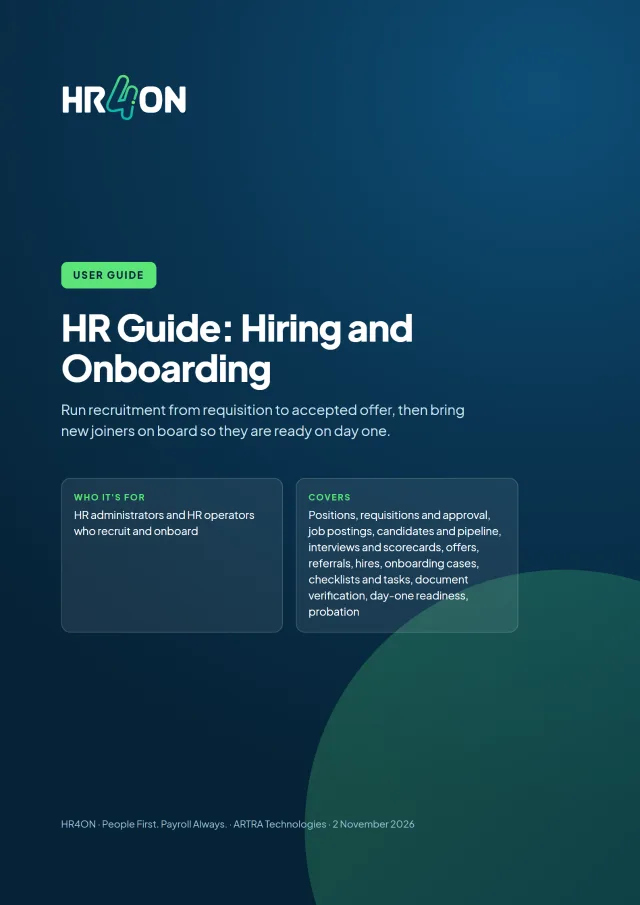
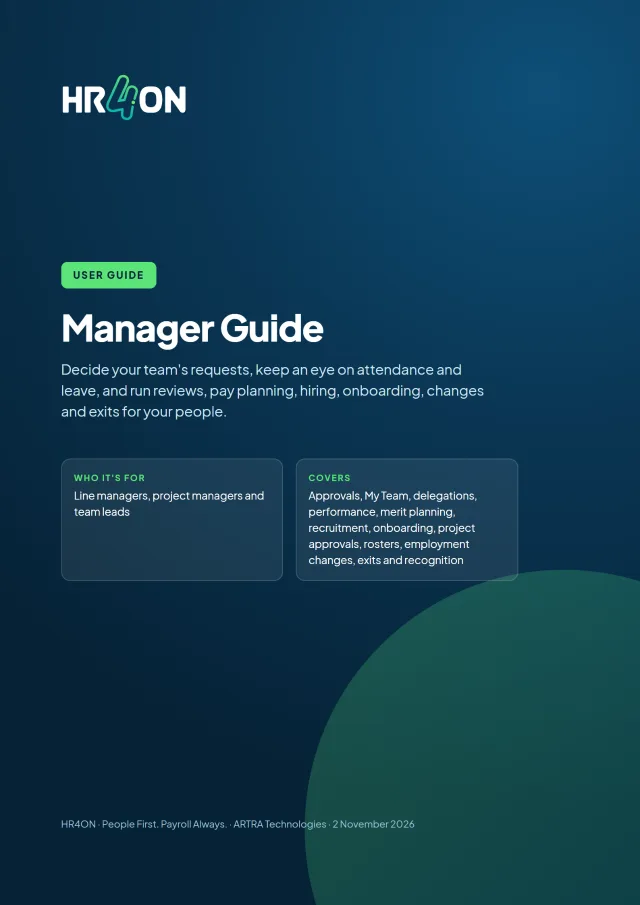
Step-by-step user guides with screenshots, free to download.
See HR4ON with your own processes in mind
Tell us how many people you employ and what matters most. We will walk you through HR4ON on a laptop and a phone.